
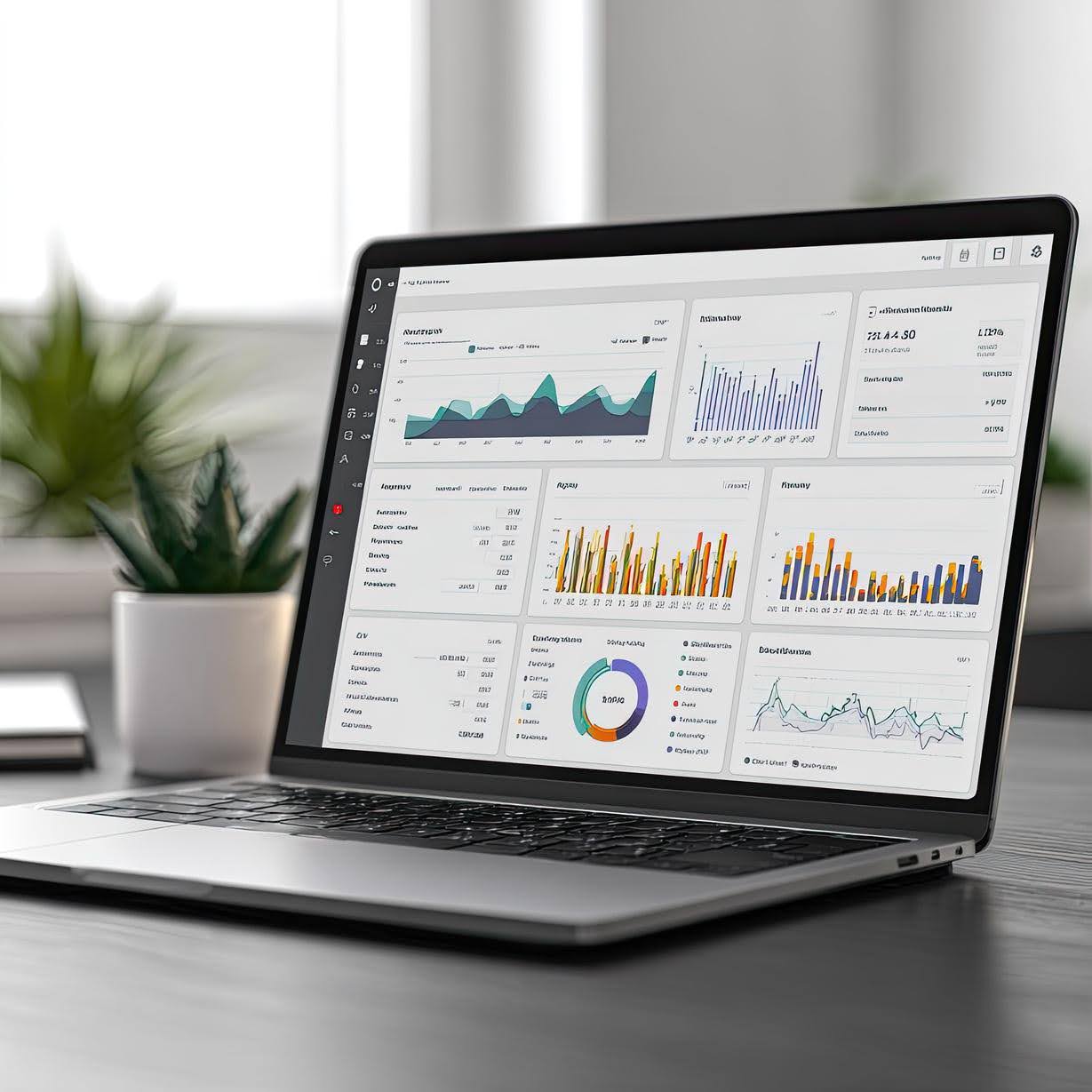
Understanding how users interact with your website is key to growth. But not all analytics are created equal, especially when comparing mobile and desktop behavior. One of the most misunderstood metrics is bounce rate, and interpreting it without context can lead to wrong assumptions. If you’re serious about optimizing your site, you need to stop treating all bounces the same.
Website analytics should help you make informed decisions, not confuse you. That starts with recognizing that mobile site behavior vs desktop is different. How users scroll, tap, browse, and exit your site depends a lot on their device, environment, and intent. The deeper your understanding, the smarter your digital strategy becomes.
Mobile Users Bounce for Different Reasons
Mobile users often browse while multitasking, in transit, or during quick breaks. Their sessions are shorter, and interruptions are frequent. A high bounce rate on mobile does not always mean your page failed. It might just mean the user found what they needed faster.
Compare that to desktop users, who are more likely to browse with a goal in mind and stay longer. When bounce rates are high on desktop, it can signal poor design or irrelevant content. Understanding this contrast helps guide your website design and professional website design and development services decisions. The metric alone does not tell the full story, but patterns do.
Mobile Speed and Layout Impact Behavior
A slow-loading mobile site can increase bounce rate dramatically. People are impatient when using their phones and often move on if a page takes more than a few seconds to load. That is why affordable website design and development should always include mobile optimization. Speed is not a luxury anymore—it is a necessity.
Layout is just as important. If your buttons are too small, your text is too cramped, or images do not load properly, users will not stay. They will not tell you—they will simply leave. Investing in website design and development services that prioritize mobile UX helps reduce bounce from avoidable design flaws.
Intent Varies by Device
People often visit websites on mobile with different intentions than they do on desktop. For example, someone might use a mobile to find your address or phone number quickly, but return to the desktop later to explore your services in depth. A bounce on mobile could reflect a completed micro-task, not a failed visit.
On the other hand, desktop visits may come from users in research mode or ready to purchase. Bouncing on desktop pages with heavy content might indicate poor content structure or weak calls to action. Understanding mobile site behavior vs desktop allows you to tailor landing pages for each audience more effectively.
Scroll Depth Tells a Different Story
Instead of only relying on bounce rate, look at scroll depth. Did the user at least get past the headline or call-to-action? Scroll behavior can reveal how engaging your content is, even if the visit ends quickly. This is especially important on mobile, where skimming is common.
If mobile users are reaching 50 percent of the page but still bouncing, your content might be engaging but your CTA is misplaced. In contrast, desktop users might scroll slower and further, giving you more chances to engage. That insight is why smart digital marketing agency in the USA always pair bounce rate with scroll tracking.
Exit Pages Reveal the Real Problem
A high bounce rate on a homepage is not the same as a high bounce on a contact page. Looking at exit pages in context can show you where users lose interest or hit a dead end. If many mobile users bounce on your pricing page, maybe it is not loading well, or the info is too dense for a small screen.
Use this data to improve—not panic. Bounce rates alone are not useful without supporting behavior insights. When combined with other metrics, though, they become a powerful signal for what to fix in your website design and development strategy.
Track Mobile and Desktop Separately
One of the biggest mistakes business owners make is lumping all traffic together. Always segment your data by device to get a clearer picture. What works for desktop might fail on mobile, and vice versa. Avoiding this step leads to generic fixes instead of focused improvements.
By tracking mobile and desktop separately, you can fine-tune your website design and development services based on real behavior. This is what sets professional marketing apart from guesswork. You can solve the right problems instead of wasting time on the wrong ones.
Call Duration and On-Page Time Can Be Misleading
Sometimes, mobile users will call you directly from your site without spending much time browsing. A short session with a call is still a win, even if it looks like a bounce. That is why it is important to track actions, not just time on site.
Desktop visitors might read a full blog post before deciding to email. So while their sessions appear more engaged, both paths can be equally valuable. These behaviors are different but equally important to optimize for, especially when working with affordable website design and development partners who understand nuance.
What Metrics Should You Watch Instead?
Start by focusing on goal completions, scroll depth, click-throughs, and form submissions. For mobile, track tap targets, mobile-specific exits, and user flow drop-offs. For desktop, dive deeper into page path behavior and reading time. These are the social media metrics that matter in website analytics.
Remember, bounce rate is just the tip of the iceberg. A single number can never capture the full experience. Layer in user behavior to get clarity. That is how growth really happens.
Ready to Turn Numbers Into Strategy?
If your analytics leave you feeling confused or stuck, it is time for clarity. At Tech Fellow, we help business owners interpret their website data with confidence. You do not need to be a data expert. You just need to work with a team that sees the patterns and translates them into action.
Whether you need help redesigning your site, cleaning up your data, or running a website user experience test, we are here to guide you every step of the way. Do not waste time guessing what works. Reach out today and let Tech Fellow help you build a digital experience that performs with purpose.